

Hi folks,
I have a problem, a big problem. I have posted a thread over at the Debian forums, but I’m unfortunately in a hurry (my workstation is bricked) so I’m going to cross-post it here (Skullgrid@lemmy.world kindly redirected me to this community for help).
I’m going to paste the text from the Debian help thread below, hopefully someone has an idea how I can pull myself out of this mess.
Quite a bit has happened, so I’ll give you a short version with what I think is essential information, and if you need other details please do ask.
Essentially, I tried getting the nvidia driver on a fresh Trixie install using this tutorial (https://fostips.com/install-nvidia-driver-in-debian-13/). I reached the part where it says “After reinstalled the driver, restart your computer.”, that’s when the terminal turned blue and told me with big centered text that the free driver (?) was already installed and it’s conflicting with the new one I am trying to install, but I just need to reboot in order to solve the conflict. So I rebooted and I was greeted by the following prompt.
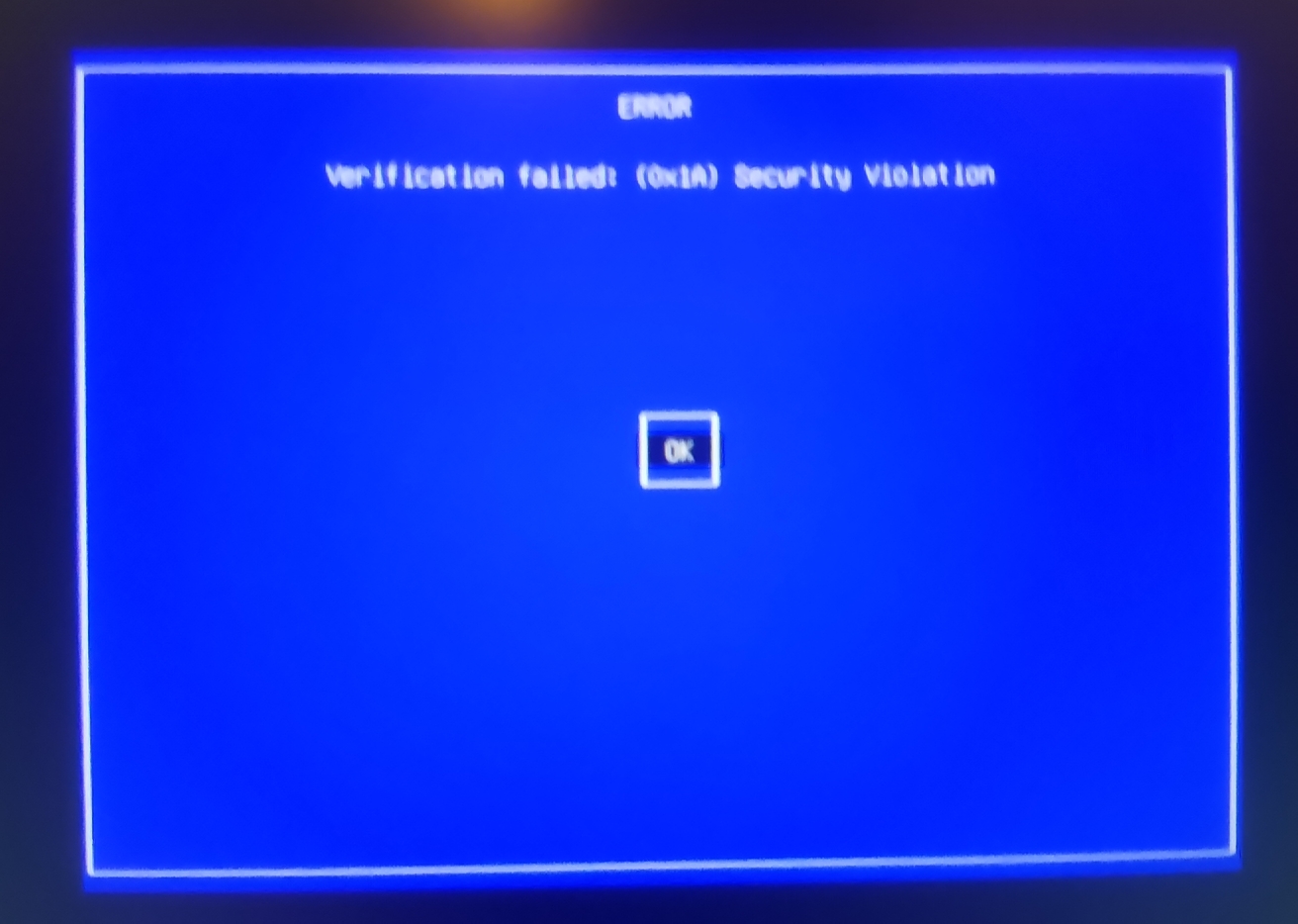
This goes nowhere, it never boots into Debian. Thinking I had broken Debian, I thought to myself, no big deal, Debian had an issue anyways (see https://forums.debian.net/viewtopic.php?p=827488), I’ll try another random distro (Bazzite) see if it helps. But after installing Bazzite over Trixie, I got the following prompts at boot :
(this one is a bit blurry, it says “Verification failed: (0x1A) Security Violation”)

If I go for “Continue boot” it just cycles over and over again on these prompts. And I don’t know what to make of the other choices here.
I can see it’s related to the operation I did with the nvidia driver, but I don’t understand how the problem wasn’t solved by wiping my drive with another distro ? twice… now I have tried with Nobara as well, only to get the same prompts. How can I solve this issue ? my computer is bricked and I really hope that’s fixable. Anyone has a clue ?


Like I said, don’t hesitate to ask if there’s something I haven’t said…
Cheers,
The install process for Bazzite and Nobara seemed to go without a hitch, made me think I was out of the woods…
I think you need to enroll the mok key. I hope you remember the password you set when going through those steps.
NB : I have no fucking idea on secure boot.
Ok, I will look this up and try to understand what it means. I do remember the pass I set, it’s just my regular password. But not sure where to type it, because when I choose “enroll key from disk” it opens a file browser where I can navigate between my disks, then into the file systems… but I don’t know what I am looking for
I assume this file?
/var/lib/dkms/mok.pubyes, this is what I tried to find after going back through the tutorial steps. But this file path is the Linux filesystem right? I wiped the Debian earlier this afternoon (to try Bazzite, then Nobara), I imagine this file has been wiped with it?
Oh god no. I think you’re fucked. Wait for someone who knows what the hell is going on and rephrase your problem as a secure boot issue
Mh, sounds like a bad omen… If I had to replace a part (hardware) to get it working, which one would it be?
I have no idea where the data for secure boot lives, other people have recommended you disable it to resolve this issue. I assume you can re-enable it afterwards if you get out of this jam. Ask the others. I’m curious about where this thread is going to go, and how you’re going to fix this.